
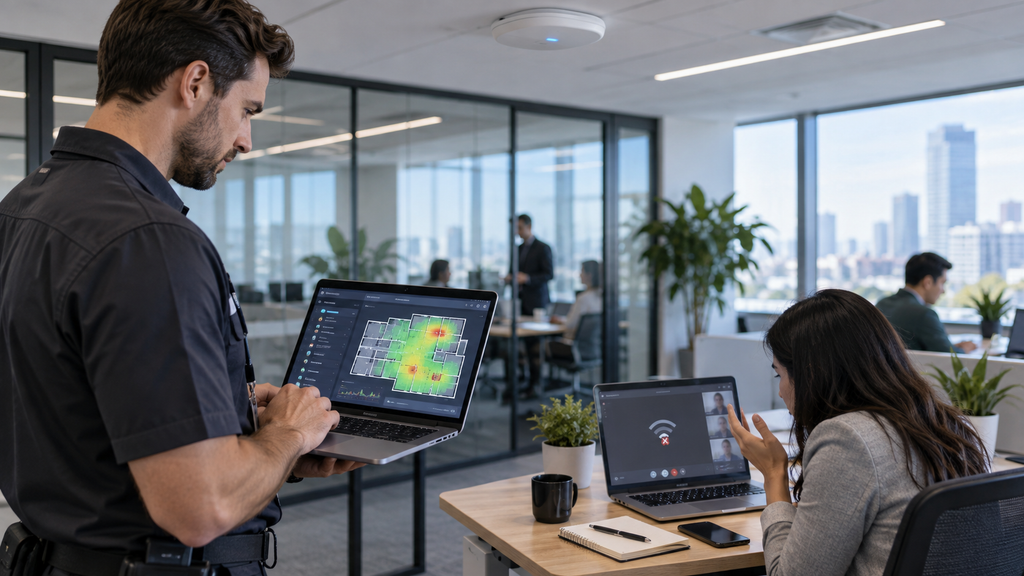
Why Office Wi-Fi Keeps Dropping
Unstable office Wi-Fi can slow down employees, interrupt video meetings, disconnect cloud applications, and create constant frustration.
The problem is not always the internet provider. In many offices, Wi-Fi issues are caused by poor access point placement, interference, outdated equipment, overloaded networks, or incorrect configuration.
Here are some of the most common reasons business Wi-Fi keeps dropping.
Poor Access Point Placement
Wireless access points need to be placed where they can provide consistent coverage.
Common problems include:
- Access points hidden in closets
- Too much distance between access points
- Thick walls blocking the signal
- Access points installed too close together
- Poor coverage in conference rooms or corners of the office
A proper Wi-Fi layout can reduce dead zones and unstable connections.
Too Many Devices on One Access Point
Modern offices often have laptops, phones, tablets, conference room systems, printers, and other devices all connected at the same time.
If too many devices connect to one access point, performance can drop.
Adding additional access points or balancing devices across the network can help.
Wireless Interference
Nearby Wi-Fi networks, Bluetooth devices, microwaves, and other electronics can interfere with wireless signals.
In busy office buildings, several companies may be competing for the same wireless channels.
Changing channel settings or using the 5 GHz and 6 GHz bands more effectively can improve performance.
Outdated Network Equipment
Older routers, switches, and access points may struggle with modern business traffic.
If your office has grown but the network equipment has not been upgraded, Wi-Fi reliability may suffer.
Newer business-grade access points often provide better coverage, capacity, and roaming.
Poor Roaming Between Access Points
Employees often move around the office while connected to Wi-Fi.
If access points are not configured correctly, devices may stay connected to a weak access point instead of switching to a stronger one.
This can cause slow performance or dropped connections.
Internet Problems vs Wi-Fi Problems
Sometimes the Wi-Fi connection is working correctly, but the internet connection itself is unstable.
Testing both wired and wireless connections can help determine whether the issue is:
- Wi-Fi coverage
- Network equipment
- DNS
- DHCP
- ISP connectivity
- Firewall configuration
Correctly identifying the source of the problem can prevent unnecessary equipment replacement.
Guest Wi-Fi Can Affect Performance
Guest networks are useful, but they should be configured properly.
Too many guest devices or poorly separated traffic can reduce performance for business users.
A separate guest SSID with bandwidth controls and network segmentation can help protect business traffic.
How to Improve Office Wi-Fi
A business Wi-Fi assessment may include:
- Testing signal strength
- Checking access point placement
- Reviewing channel usage
- Measuring coverage
- Testing internet speed
- Checking network switches
- Reviewing VLANs
- Identifying interference
- Updating firmware
- Replacing outdated equipment
The goal is to find the actual cause instead of repeatedly restarting the router.
Business Wi-Fi Support in San Jose
WorkNetic Systems helps small businesses in San Jose and the Bay Area troubleshoot and improve office Wi-Fi.
We can assist with access point installation, wireless coverage, switches, VLANs, cabling, network troubleshooting, and office Wi-Fi upgrades.
If your office Wi-Fi keeps dropping, the problem may be fixable without replacing your entire network.
Learn more about our Network & Wi-Fi Services in San Jose